The 80% case: the project features small teams actually use
Published May 20, 2026 · Updated September 22, 2026
Enterprise project tools compete on feature count. Portfolio heatmaps, resource-leveling algorithms, cross-program rollups, custom automation builders. It’s an impressive list. It’s also, for most teams, an expensive way to buy software you’ll never open.
If you run a small team, the honest truth is that you use about five things. Here’s the 80% case, the features that cover the vast majority of real project work.
The five that matter
- Scheduling. A timeline with dependencies, so you can see what depends on what and what slips when something’s late. (What a Gantt chart is for.)
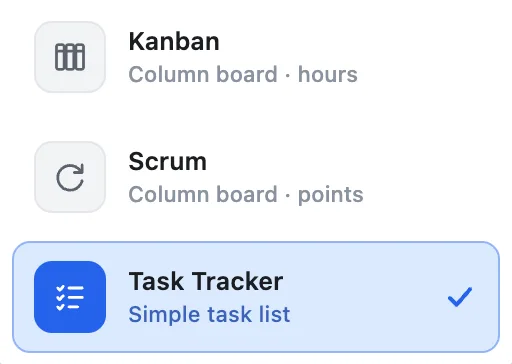
- A board. Kanban or scrum, for working the week, moving cards through Backlog → In Progress → Done.
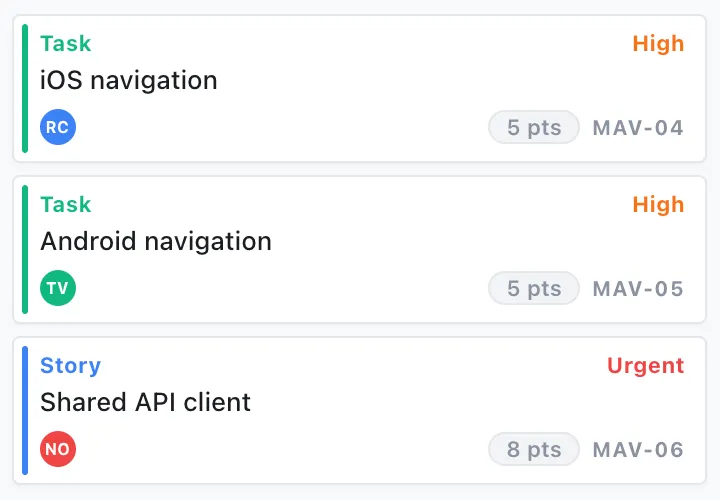
- Tasks with the basics. An owner, a status, a date, and a place for a note. That’s 95% of “task management.”
- Team capacity. A simple read on who’s overloaded before the deadline slips, not after.
- Sharing. Invite the team, everyone sees the same plan, updates are live.
That’s the whole list for most teams. Notice what’s not on it: custom field schemas, approval workflows, automation rules, time-tracking integrations, portfolio dashboards. Those aren’t bad features, they’re just answers to problems a five-person team doesn’t have yet.
Why extra features cost you even if they’re free
Every feature you don’t need still has a price:
- It’s in your way. More buttons, more menus, more decisions on every screen.
- It slows adoption. A heavier tool is a tool people route around. (Why teams fall back to the spreadsheet.)
- You pay for it. Per-seat enterprise pricing exists to fund the long tail of features the buying committee liked in the demo.
The goal for a small team isn’t the most capable platform on paper. It’s the one people will still willingly use after the honeymoon ends, and that’s almost always the one that nails the 80% case and stops.
EverGantt is built for exactly that list: scheduling, a board (Kanban or scrum), simple tasks, and team capacity, in one place, free to build and export, with flat-rate Team and Business plans when the group needs one shared plan. No suite to learn, nothing to install.
Frequently asked questions
What features do small teams actually need in project management software?
About five: scheduling with dependencies, a Kanban or scrum board, simple tasks (owner, status, date, note), team-capacity visibility, and sharing. That covers the 80% case for most small teams.
Why do unused project-management features cost you even when they're free?
Every extra feature adds buttons, menus, and decisions on each screen, which slows adoption. A heavier tool is one people quietly route around, so the real cost is lower adoption, not just the license fee.
Is simple project management software enough for a real project?
For most small teams, yes. Custom field schemas, approval workflows, automation rules, and portfolio dashboards solve problems a five-person team doesn't have yet.