EverGantt vs monday.com: a cheaper alternative, no minimums
Published May 14, 2026 · Updated September 22, 2026
Short answer: monday.com is a flexible, highly customizable “Work OS” that can run almost any kind of workflow, but it carries a 3-seat minimum, sells seats in buckets, puts Gantt behind its Standard tier, and costs more per seat. EverGantt is a focused Gantt-and-capacity tool with no seat minimum, Gantt on every tier, and one flat-rate Team plan for a small group (Pro is $3.99 a month for one person). For a small team that just wants a live schedule, EverGantt is cheaper and simpler.
EverGantt vs monday.com at a glance
| EverGantt | monday.com | |
|---|---|---|
| Price | Pro $3.99/mo or $39/yr (1 user); flat-rate Team and Business plans for groups | ~$9–$19/seat/mo (annual), by plan |
| Free tier | Yes, includes Gantt + export | Yes, 2 seats, no timeline |
| Gantt charts | Yes, all tiers | Standard plan and up |
| Seat minimum | None (flat-rate team plans) | 3 seats, sold in buckets |
| Team capacity view | Yes (built-in) | Via workload (higher tiers) |
| Real-time co-editing | Yes (Team and Business plans) | Yes |
| Customization & views | Focused | Extensive |
Pricing as of May 2026. Check the current monday.com pricing page for the latest.
For a team of 5 over a year, EverGantt’s Team plan covers all five people under one flat subscription (current pricing). monday.com runs roughly $720/year on Standard, the lowest tier that includes Gantt, and its 3-seat minimum means a 1–2 person team can’t pay less.
Where monday.com is genuinely better
monday.com is built to be a do-anything platform, and for some teams that’s exactly right:
- Customization. Columns, automations, dashboards, and dozens of board types let you model nearly any process, CRM, content calendars, HR pipelines, you name it.
- Integrations and apps. A large marketplace and automation engine connect monday to the rest of your stack.
- Scale. For mid-size and larger orgs that want one configurable system across many teams, monday’s flexibility pays off.
Where EverGantt is better
If you’re small and your real need is project scheduling, monday’s flexibility becomes cost and complexity you don’t use:
- No seat minimum, no per-seat math. monday’s 3-seat floor and bucketed seats mean a 1–2 person team overpays and a 4-person team often buys 5. EverGantt skips the seat math: one person uses Pro, and a group shares one flat Team or Business plan (the same price whether you’re two people or five).
- Cost. One flat-rate subscription for the group versus ~$9–$19 per seat. And Gantt isn’t gated, monday reserves it for Standard and up.
- Simplicity. No board-building project before you can plan. The timeline, Kanban board, and capacity panel are the same plan seen different ways.
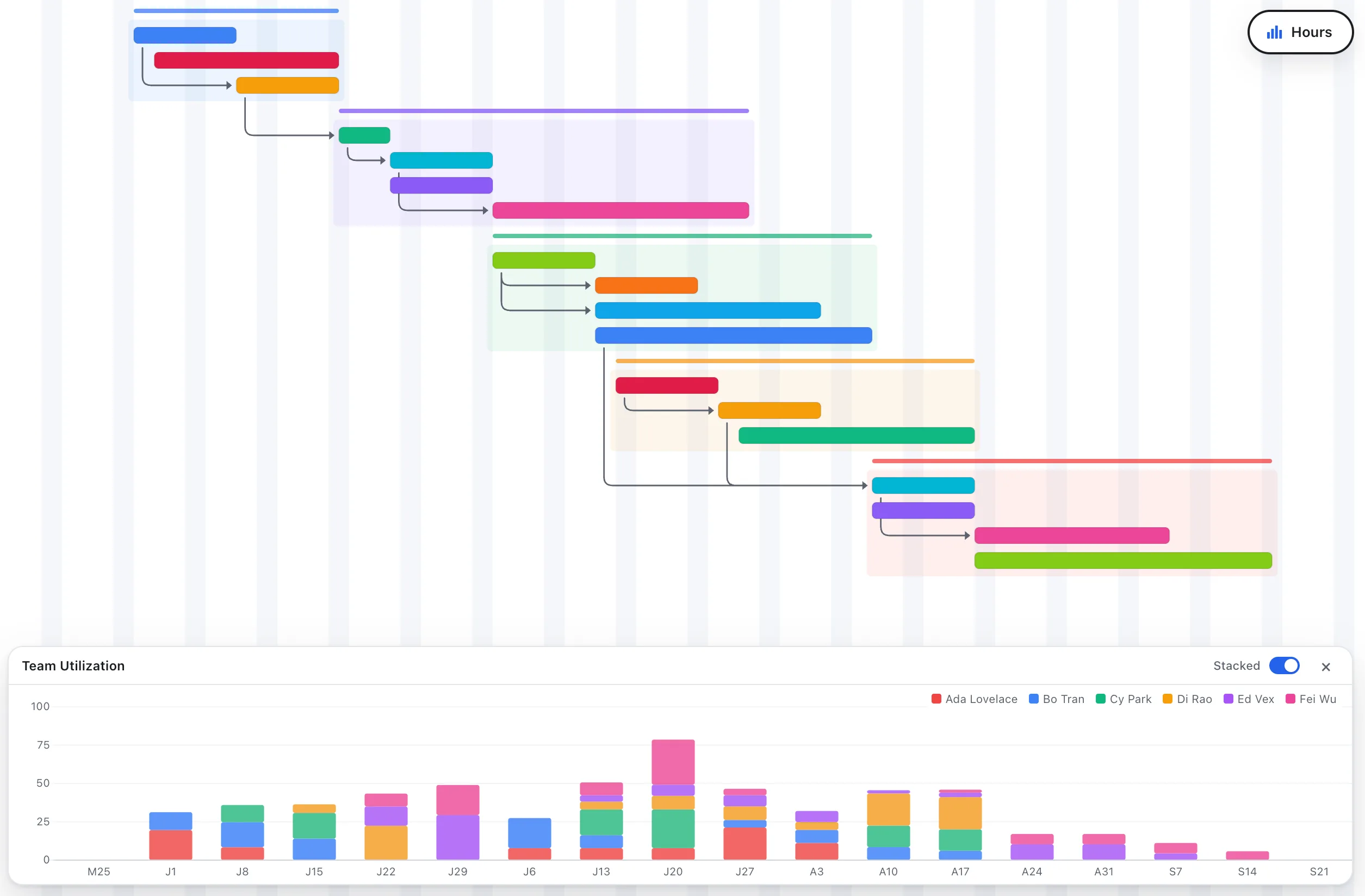
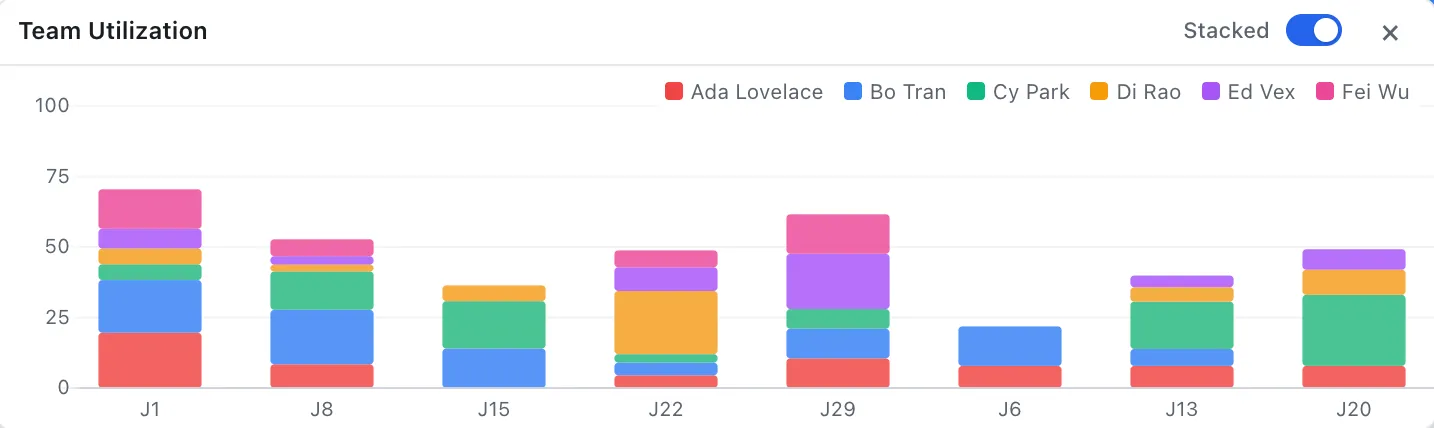
- Built-in team capacity. See weekly hours stacked per person and spot overload at a glance, without configuring a workload widget.
Which should you choose?
Choose monday.com if you want a customizable Work OS to run many different processes across a growing company, and the seat minimum and higher price are worth that flexibility.
Choose EverGantt if you’re a small team that wants a clear, real-time schedule with dependencies and team capacity, without seat minimums, bucketed billing, or paying for a platform you’ll mostly leave unconfigured. It’s the antidote to planning software that costs too much.
Start free in your browser, or see pricing.
More comparisons: EverGantt vs Microsoft Project · vs Asana · vs TeamGantt · best free Gantt tools.
Frequently asked questions
Is EverGantt cheaper than monday.com?
Usually, yes, especially for very small teams. As of May 2026 monday.com's paid plans run about $9 (Basic), $12 (Standard), and $19 (Pro) per seat per month on annual billing, with a 3-seat minimum and seats sold in buckets. EverGantt Pro is $3.99 per month or $39 per year for one person, and teams use a flat-rate Team (up to 5 users) or Business (up to 20) plan that covers the whole group, with no seat minimum and no per-seat math.
Does monday.com have Gantt charts?
Yes, but the Gantt view requires the Standard plan or higher. monday's free and Basic plans don't include it. EverGantt includes Gantt charts on every tier, including the free one.
What is monday.com's seat minimum?
As of May 2026 monday.com requires a minimum of 3 seats on paid plans and sells seats in fixed buckets (for example 3, 5, 10), so a 4-person team often pays for 5. EverGantt has no seat minimum: Pro is for one person, and the Team and Business plans are one flat price for up to 5 or up to 20 users.
Should a small team use EverGantt or monday.com?
Choose EverGantt for low-cost, focused Gantt scheduling and team-capacity planning with no seat minimum. Choose monday.com if you want a highly customizable Work OS with many board types, automations, and integrations across your whole company.